Host’s phone · tap a song
Group Sing Along
ShareLyrics:
Waiting for the conductor to select a song...
Singer’s phone
Group Sing Along
ShareLyrics:
Waiting for the conductor to select a song...
Group Sing Along • 2025
Lyrics everyone in the room sees in real time
Overview
Group Sing Along lets one person pick a song and opens its lyrics on every phone in the room. I designed and built it for family sing-alongs, where not everyone knows the words and there are never enough songbooks.
Anyone can join with a 4-letter code, with no account and nothing to download. It’s been live at groupsingalong.com since January 2025, and in December 2025 I built an iOS version.
- Role
- Design and build, solo
- Timeline
- December 2024 to January 2026
- Platforms
- Web app (live), iOS app (built, not released)
Problem
How might a whole room sing the same song without crowding around one phone?
I wrote the problem down before I built anything: “In large group gatherings, like family sing-alongs, not everyone knows the lyrics to the songs and physical songbooks are often insufficient in number or outdated.” The usual fixes are passing 1 phone around or printing lyric sheets.
A sing-along room has 4 things a design has to handle:
Every age
Sing-alongs mix every age, so there’s nothing to sign up for or install.
One leader
Someone has to pick the song, or every phone ends up on a different one.
People arrive late
Someone who joins halfway through should land on the song that’s already playing.
Small screens
People are singing, not reading, so each phone needs its own text size.
Design
One host picks, and every phone follows.
The person who creates the group is the host. They search for a song, tap it, and every phone in the room opens the same lyrics. At first, singers only saw the lyrics and their own text size buttons. When a new phone joins, it asks the host’s phone for the current song, so late joiners never wait for the next one. The demo at the top is the January 2025 room, rebuilt from its code.
Joining: a code, a link or a QR code
Group codes started at 5 letters. I cut them to 4 on January 12, 2025, and later made them work in any case. The host shares from 1 screen with 2 ways in: a text with the link, and a QR code for people in the same room. In the first version the QR code was big and the message button was small. Later that month I made them 2 equal targets.
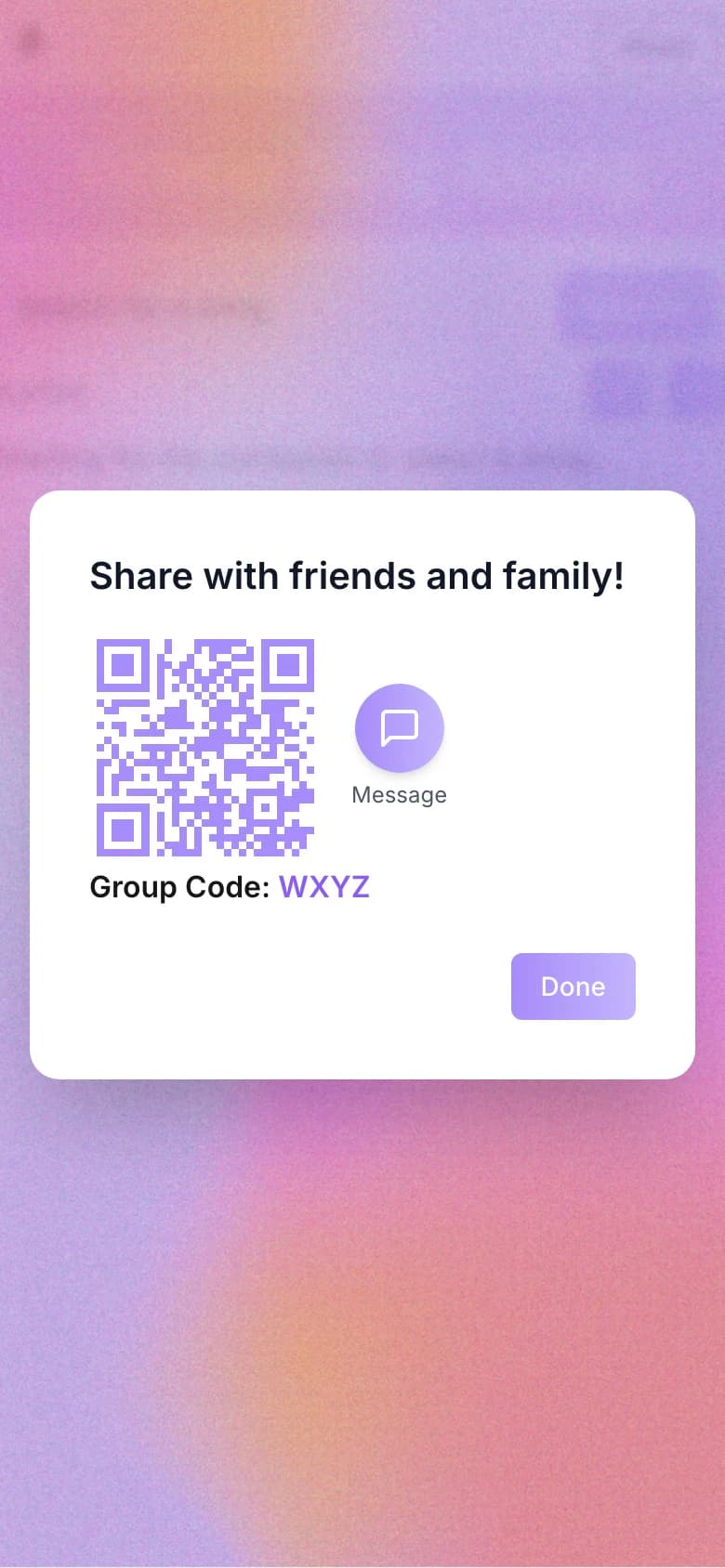
January 7, 2025
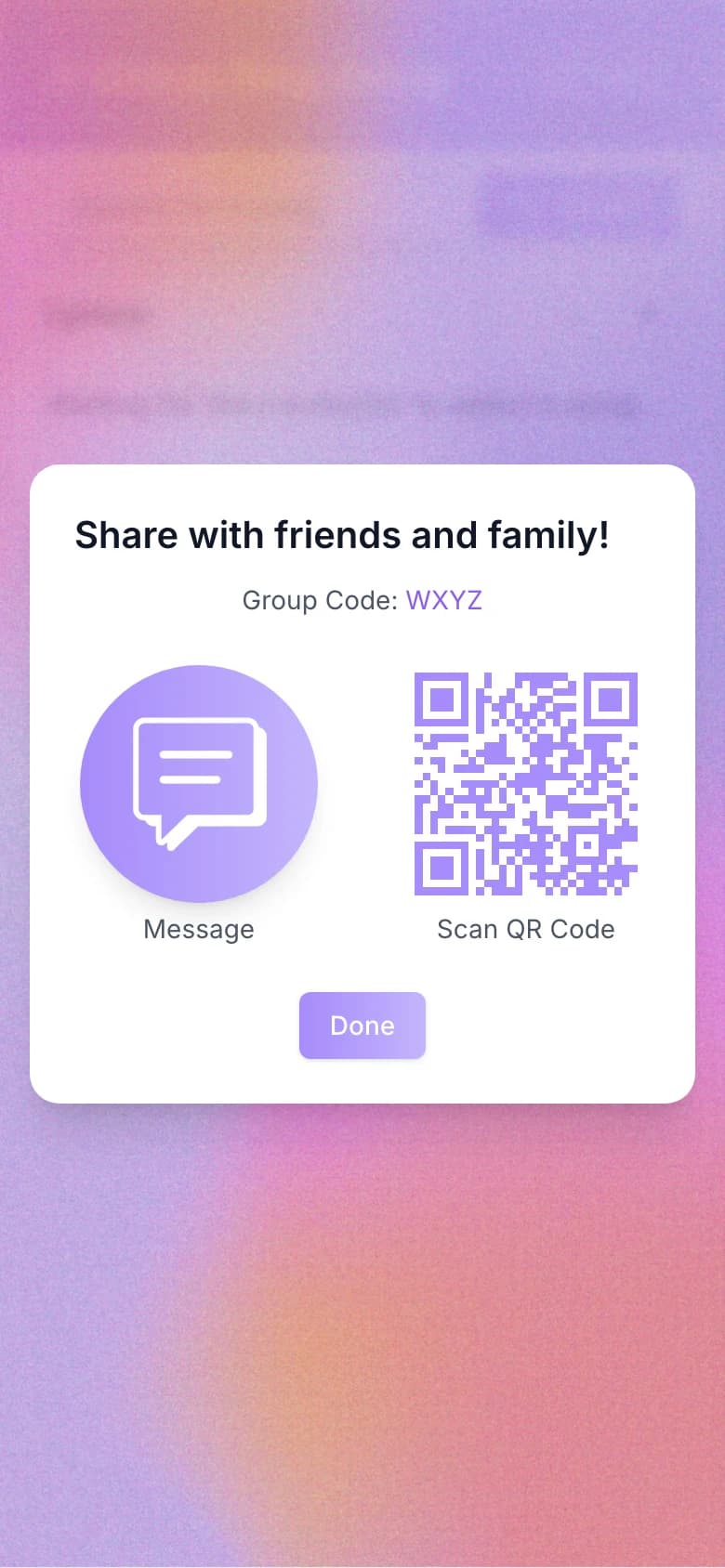
January 30, 2025
The room, 4 versions
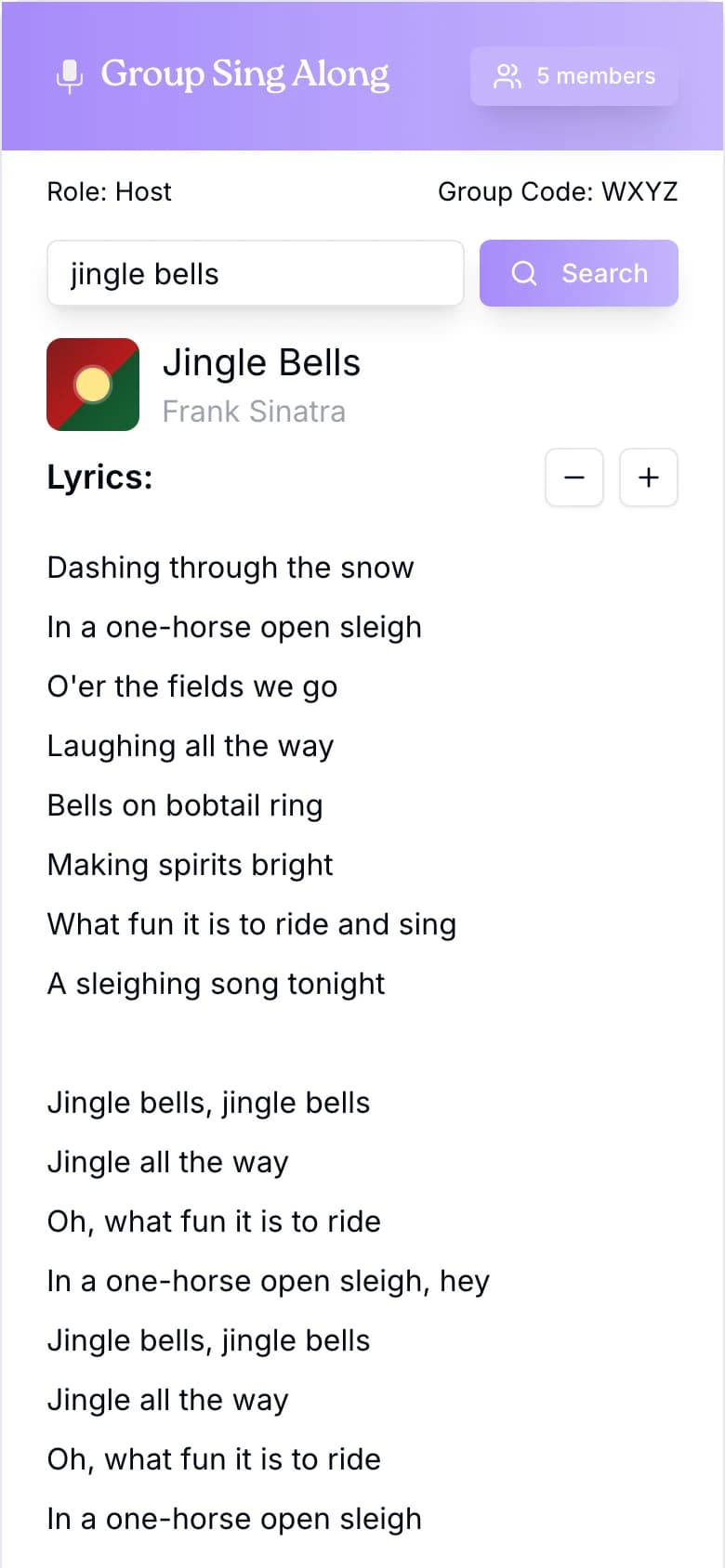
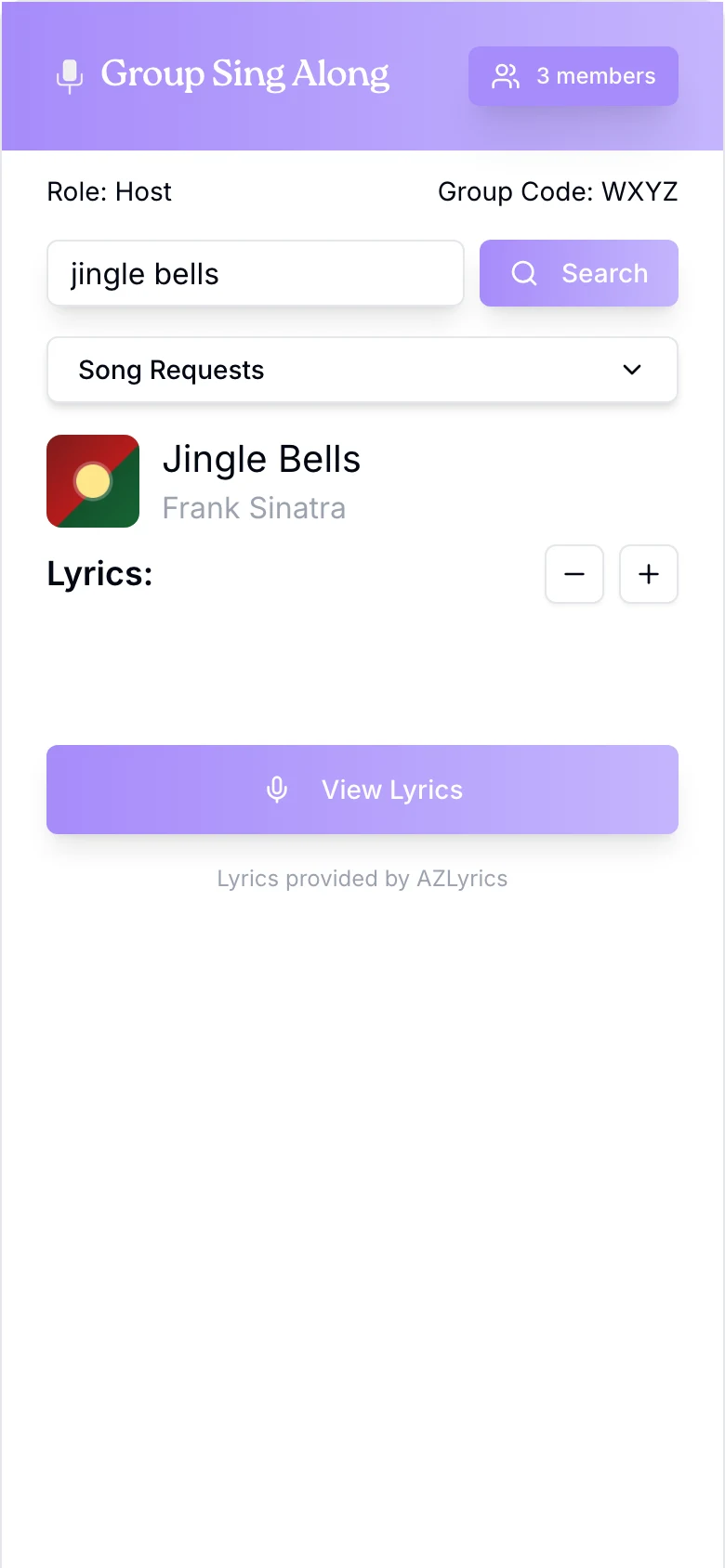
The first room was a plain page; my commit called it “UI option 1.” By the end of January it was a card with a violet header, album art and − / + text size on every phone. In March 2025 the header started showing how many people were in the room, and a row told you whether you were the host. I also renamed the “conductor” to the “host” so the word matched everywhere.
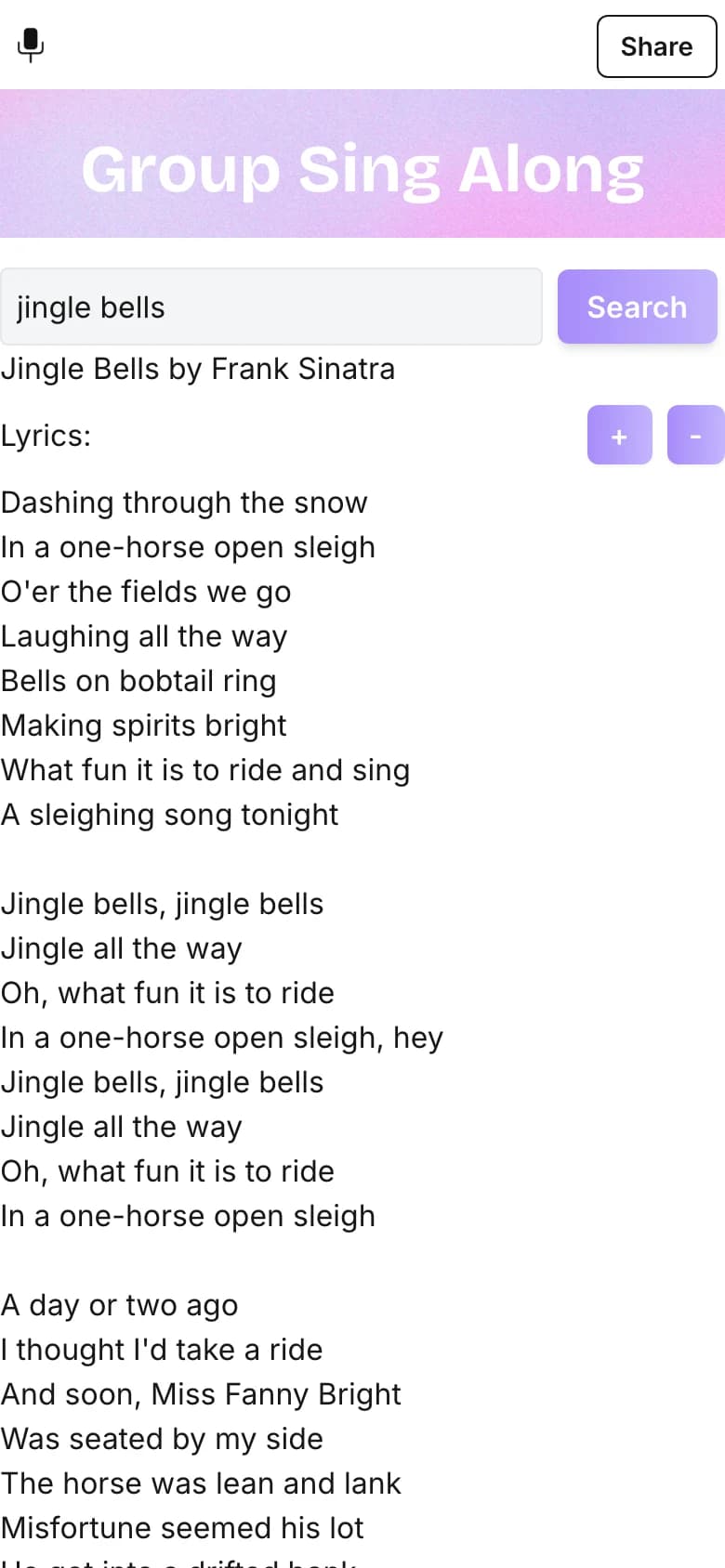
Jan 2025
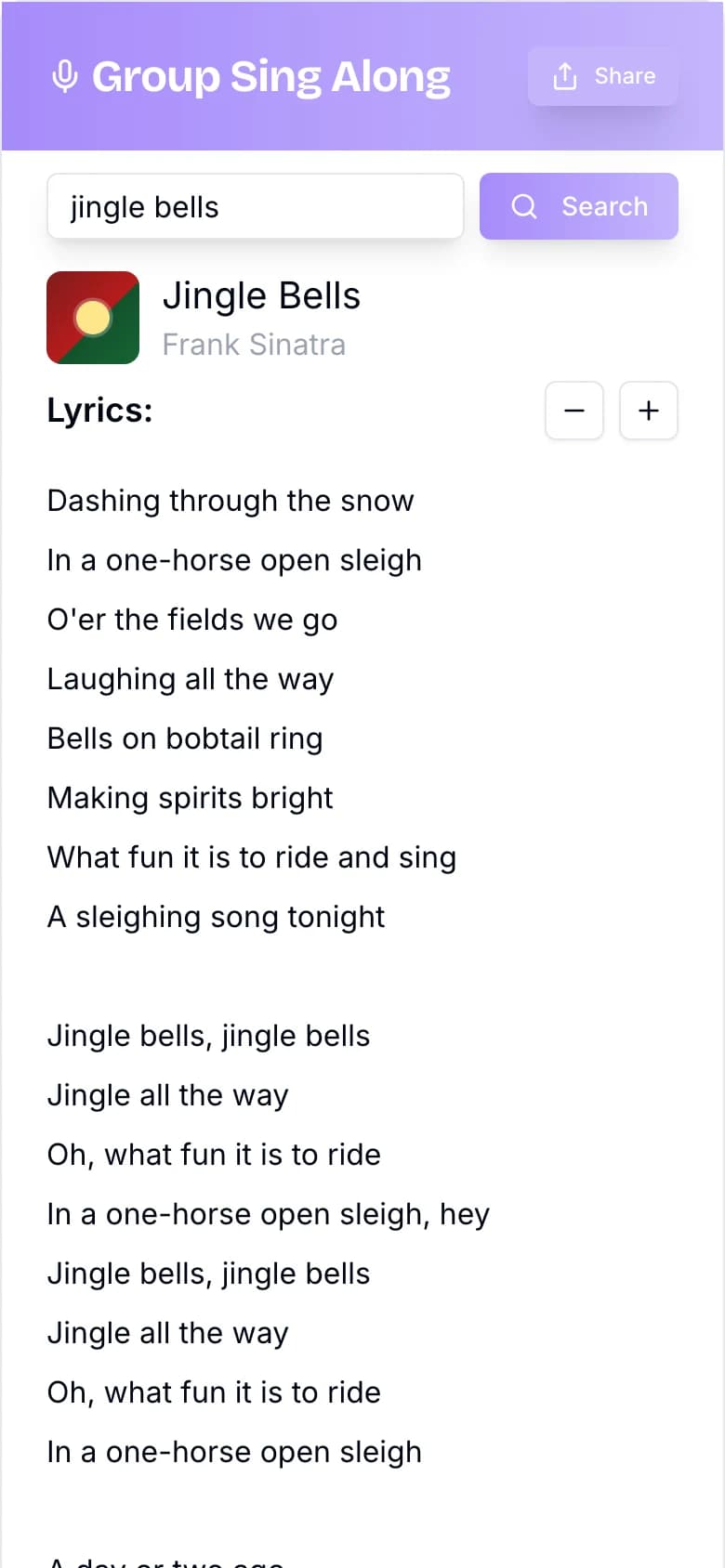
Late Jan 2025
Mar 2025
2026
Song requests
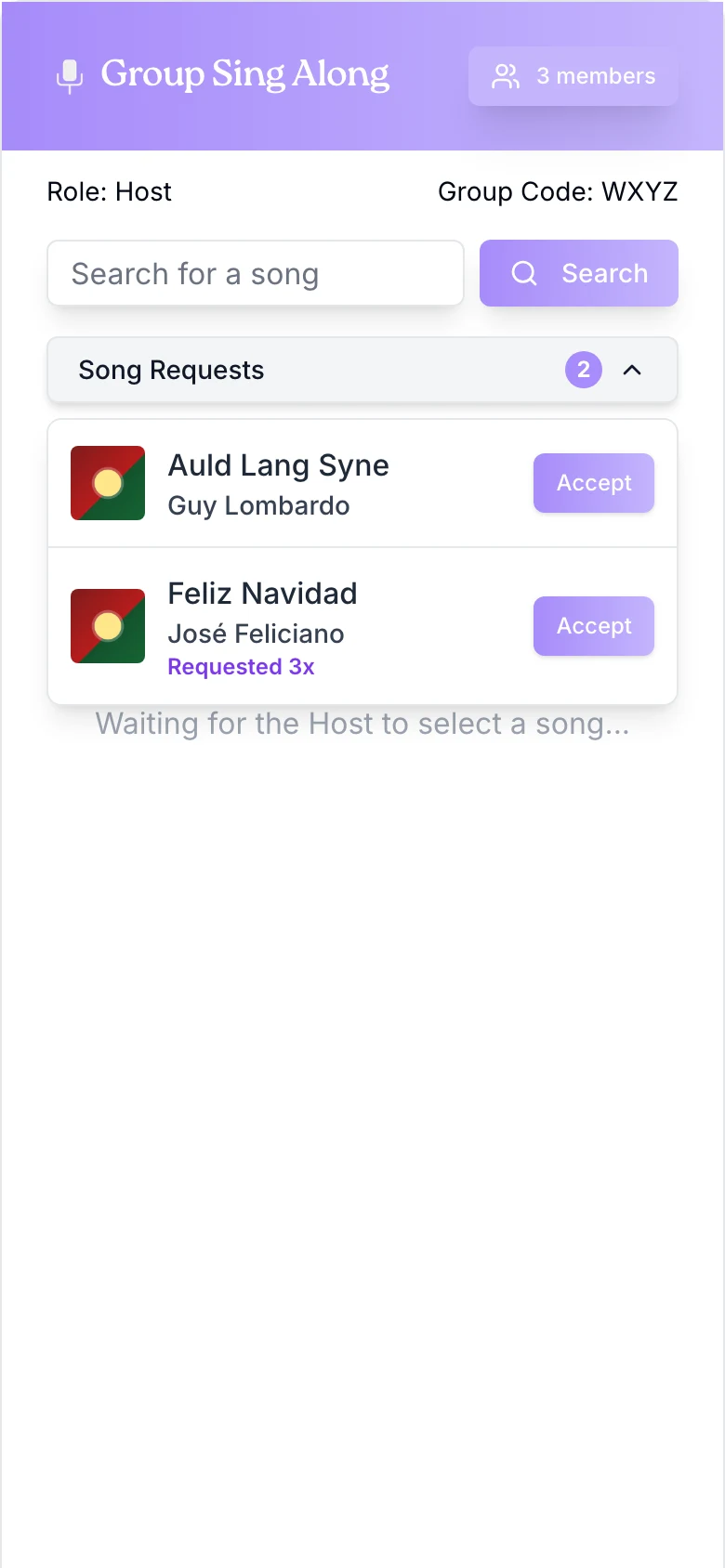
In December 2025 I let singers ask for songs without taking control. They search and tap Request. The host gets 1 list, with repeats merged into “Requested 3x,” and taps Accept to play one. A confirmation screen replaced the browser alert that used to say a request was sent.
Host

Singer
Lyrics moved off the page
In January 2026 the lyrics stopped being text in the app. On the web, each phone now opens the song’s page on a lyrics site, in a window that opens by itself when the host changes songs. On iOS it opens in Safari’s Reader view.
In progress: Why the lyrics moved
Add the reason: licensing, reliability or something else. Since the change, the − / + buttons on the web no longer resize the lyrics.
Landing page
From 2 buttons to a page that explains itself.
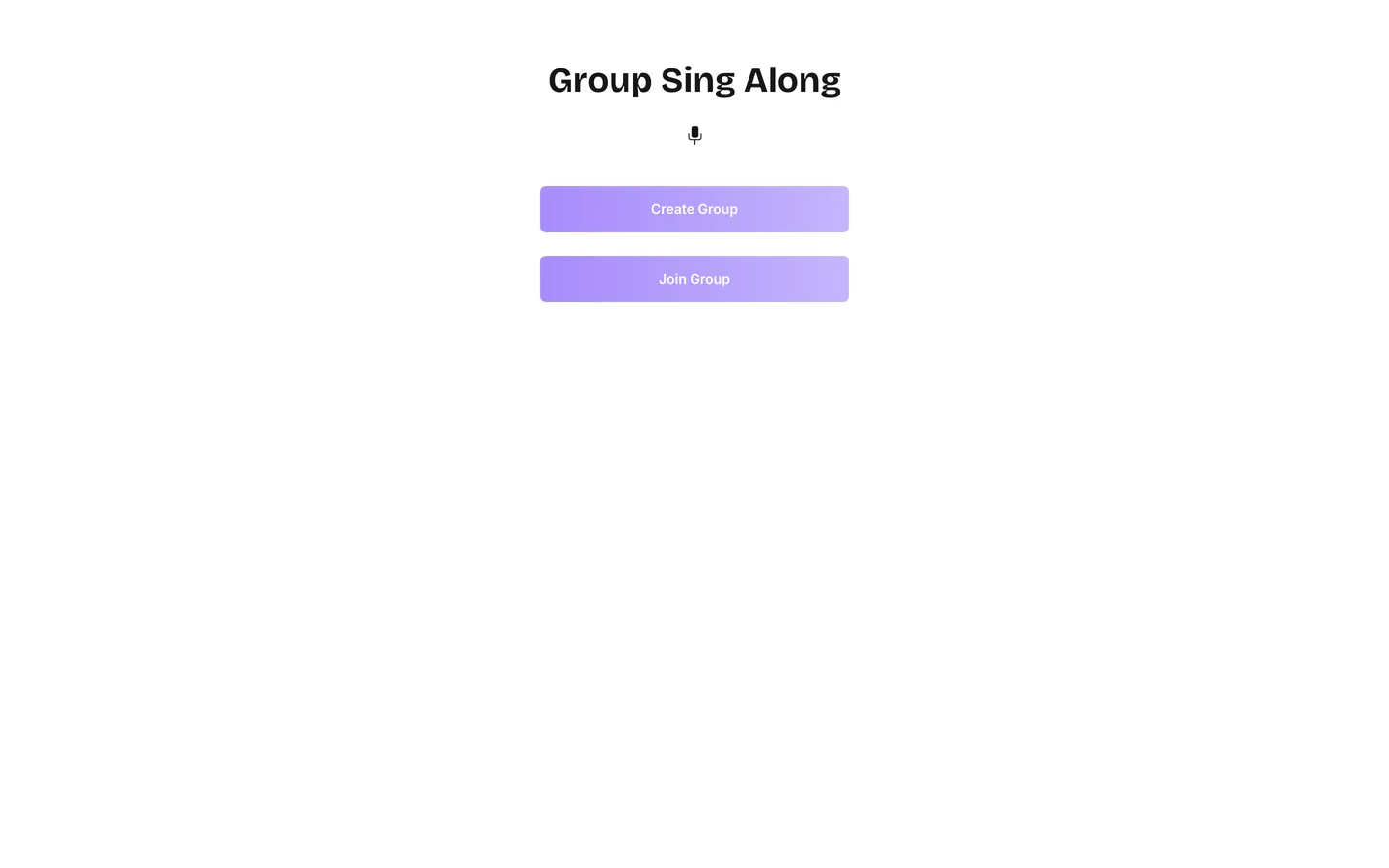
The first landing page was the name and 2 buttons. In March 2025 I redesigned it to explain the idea before asking anyone to start a group: a serif headline, Create and Join side by side, and a sample lyrics card. The card is an illustration; the app shows the whole song, not 1 highlighted line.
January 7, 2025
January 30, 2025
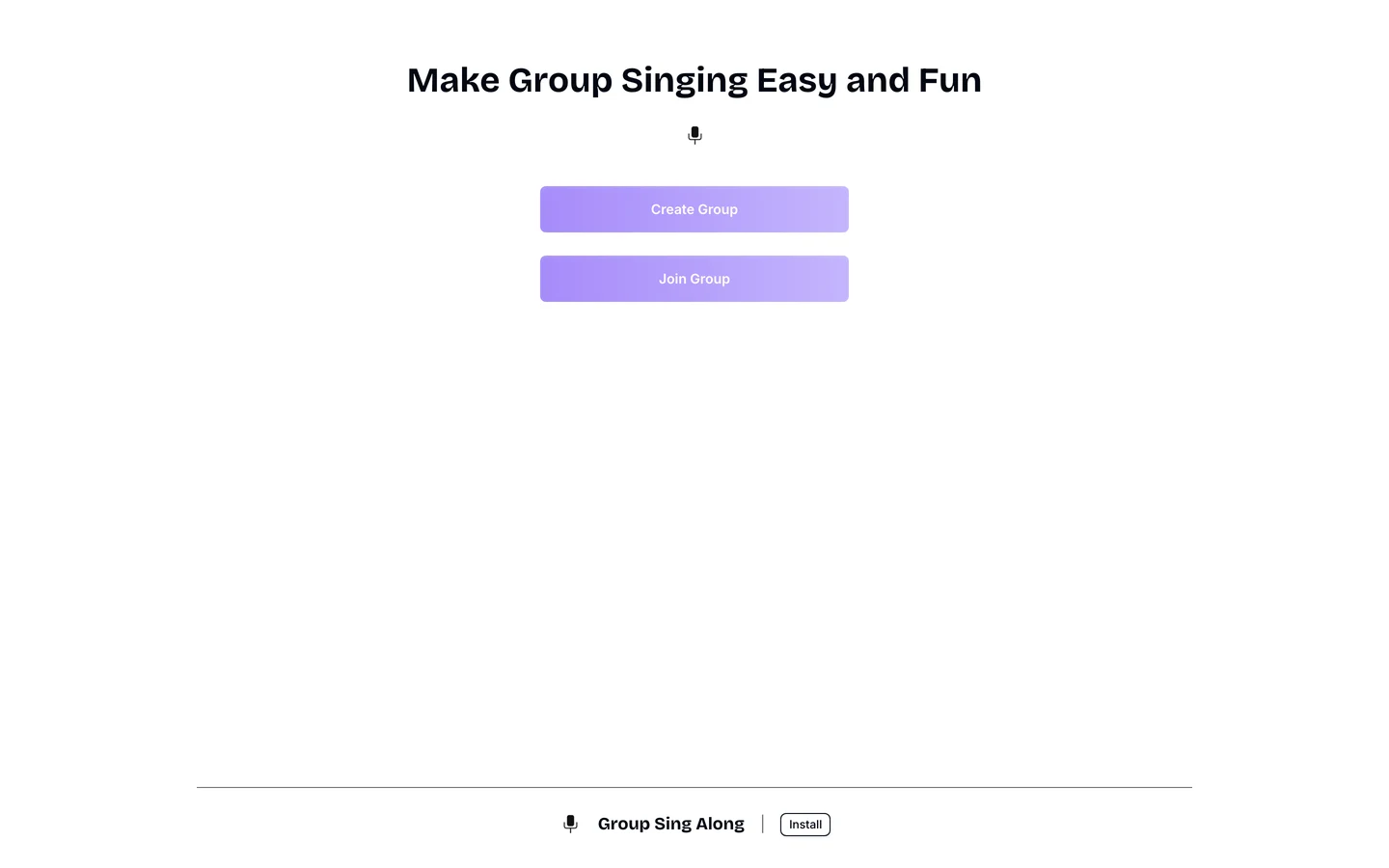
March 28, 2025
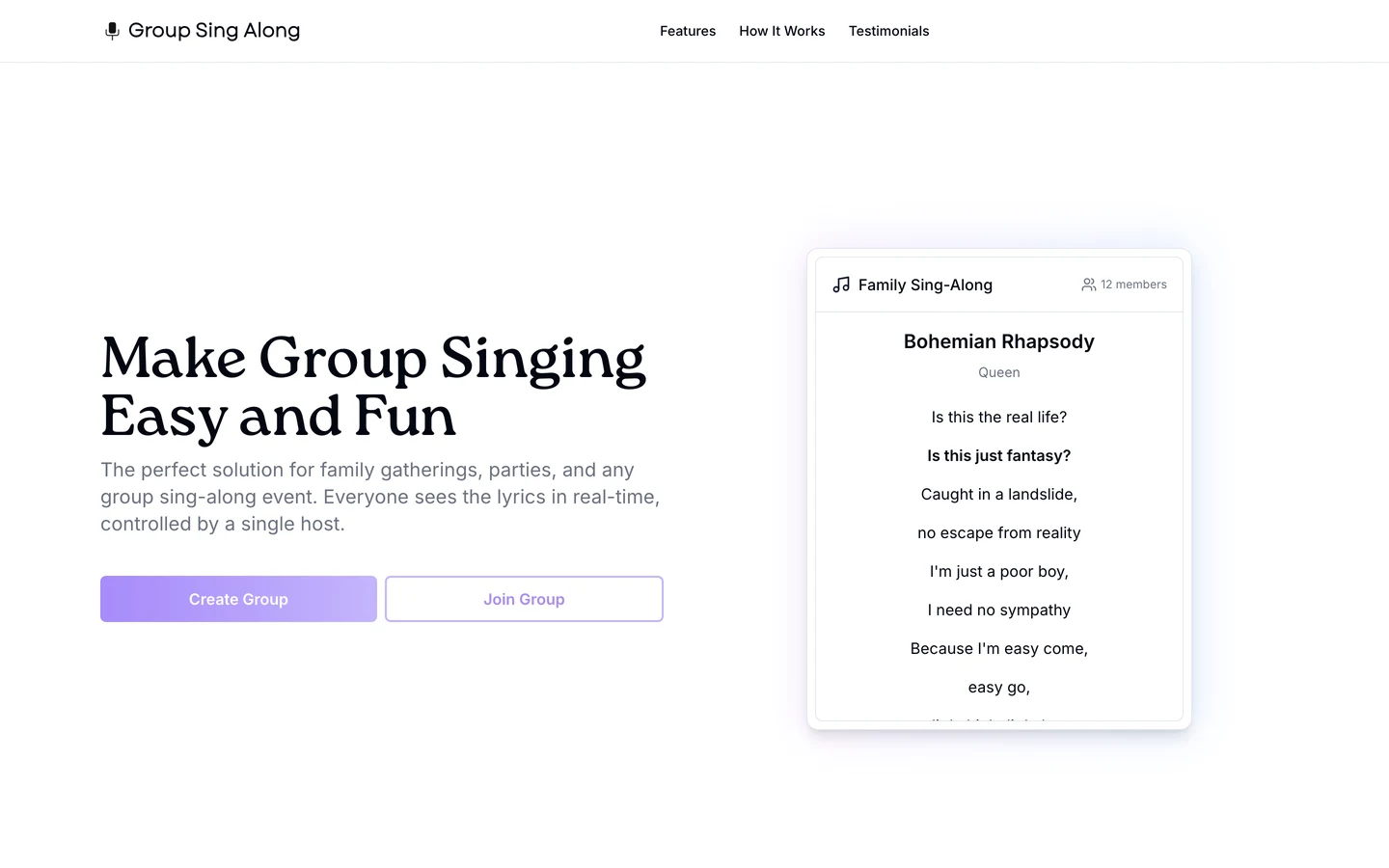
In progress: Landing page copy
The live page still has 3 placeholder testimonials and “Join thousands of families.” Swap in real quotes or take them down before linking it from here.
iOS app
Bigger rooms became the paid tier.
In December 2025 I built an iOS version in Expo that joins the same rooms as the web app, so iPhones and browsers can sing together. Free rooms hold 3 people. Plus holds 10 for $1.99 a month or $20 a year, and Party and a 24-hour Event Pass hold 25. Only the host pays, and everyone else joins free.
2 details are about real rooms. Text size scales the whole screen from 0.625× to 2×, not just the lyrics. And when the host’s phone goes to the background for a screenshot or a text, the room waits 10 seconds before ending, so nobody else loses the song.
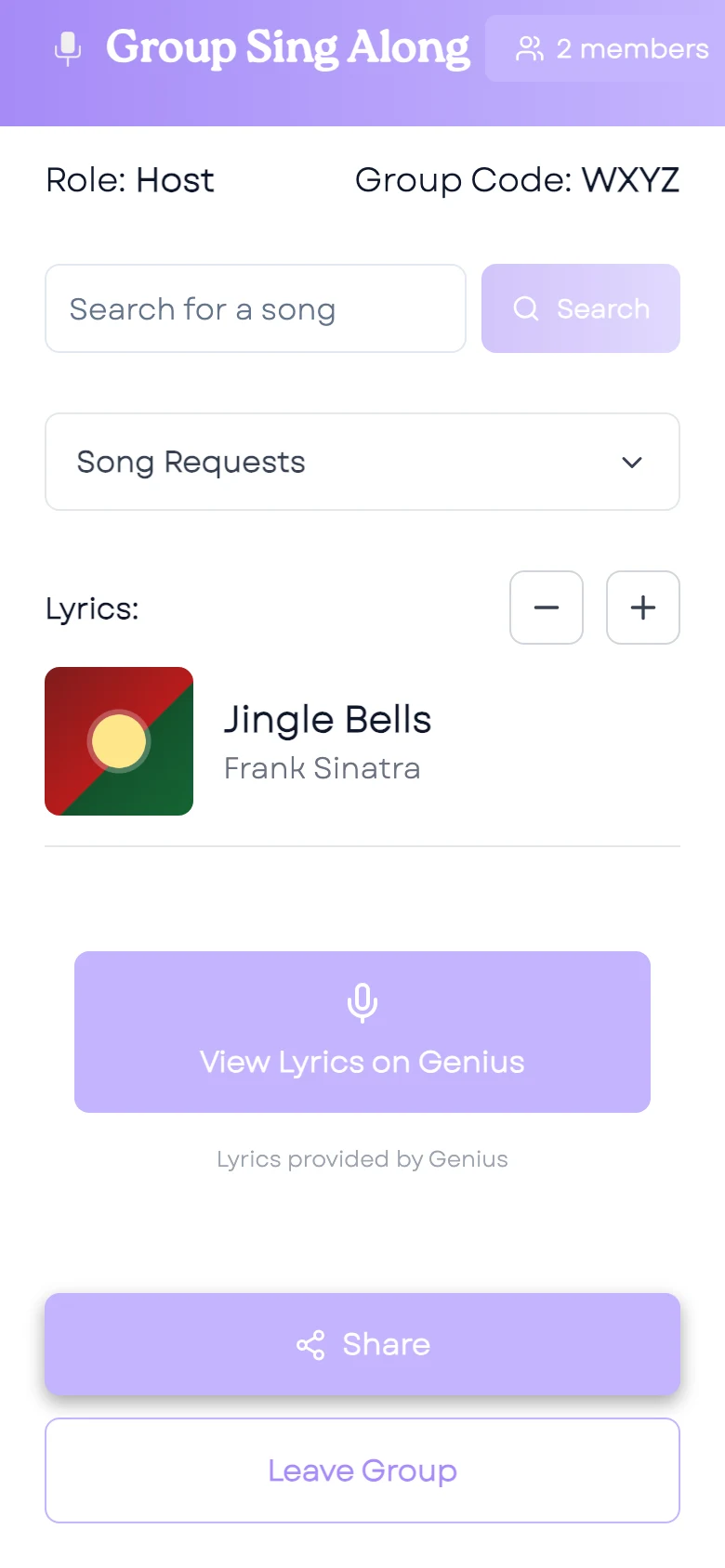
Room
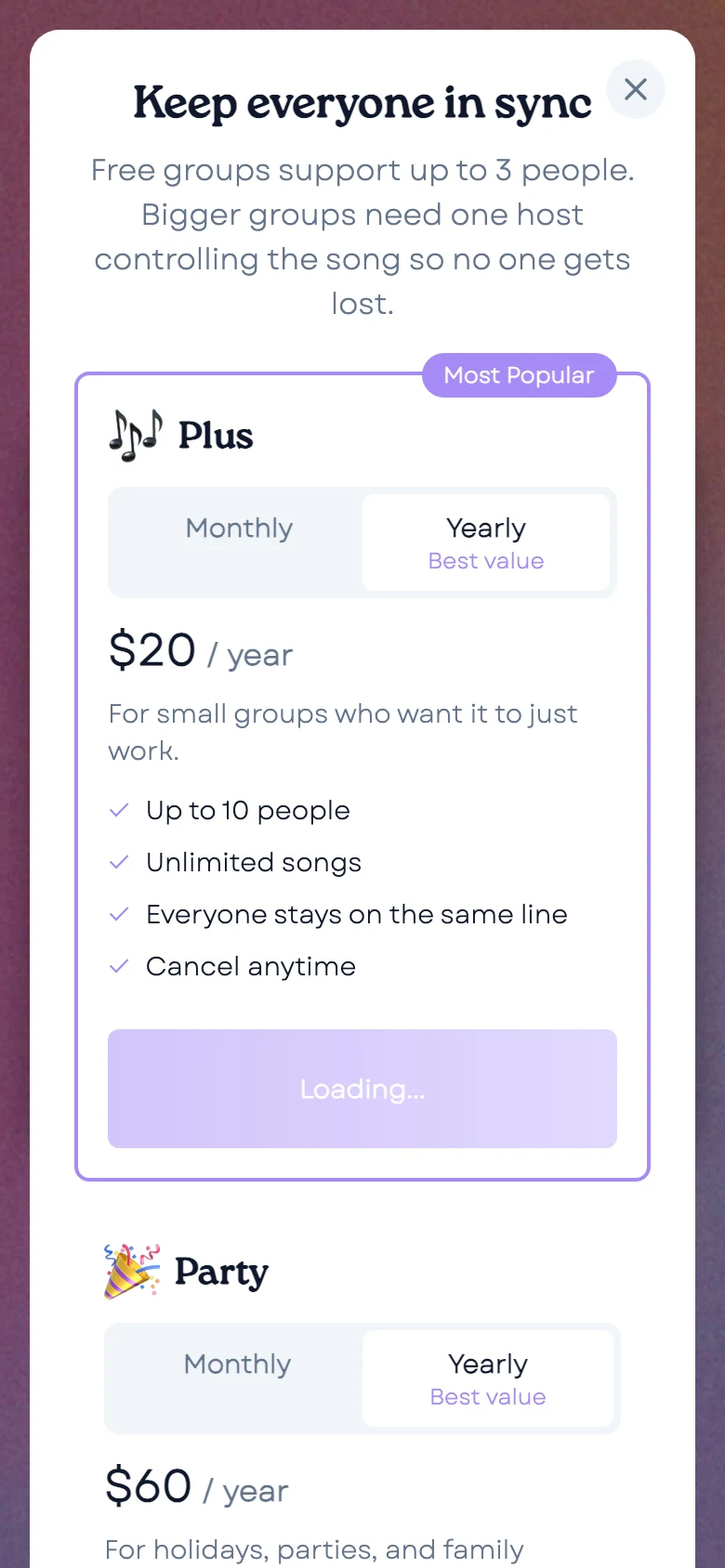
Paywall
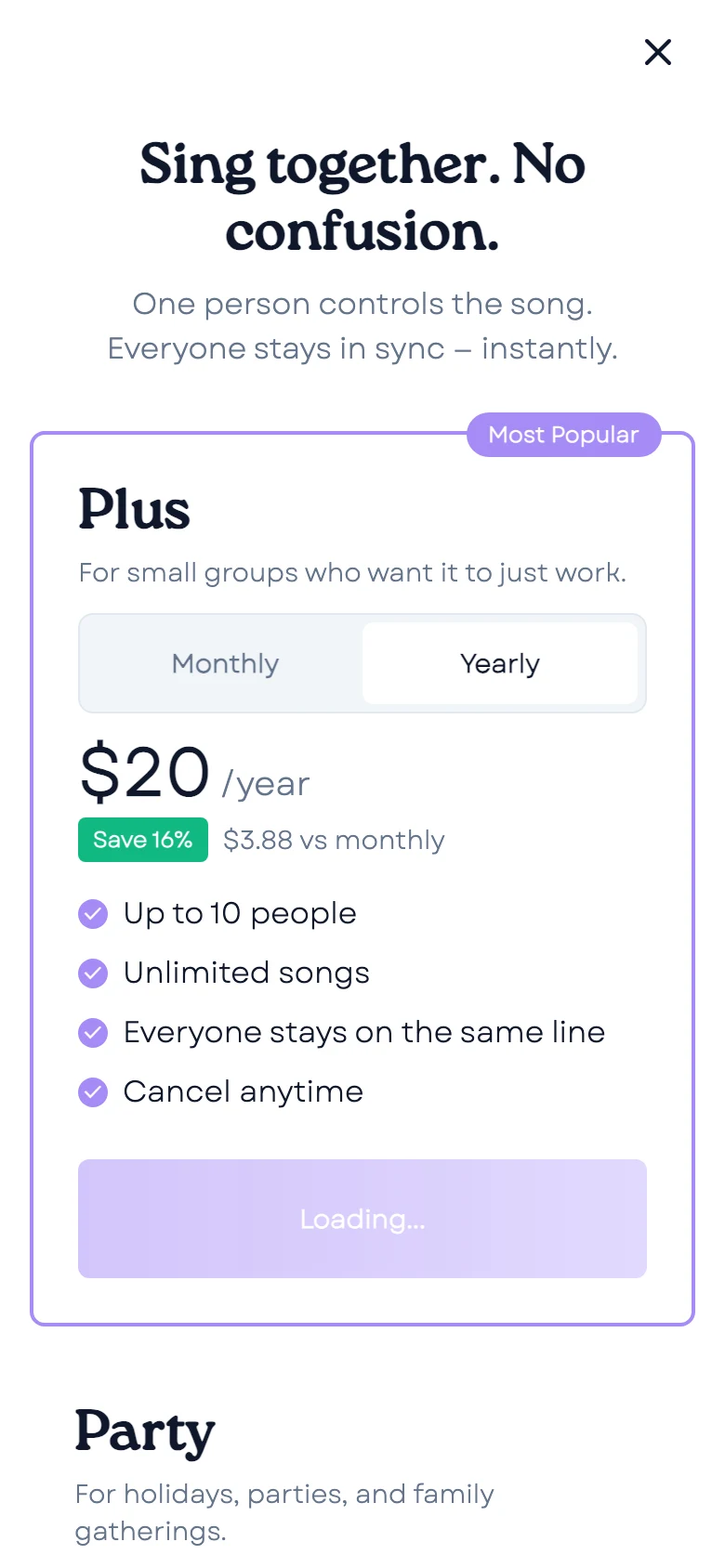
Pricing
In progress: Release
The app is built but not on the App Store. Add whether it went to review and what’s next. The web app has had the same 3-person limit since December 2025, with no way to upgrade on the web.
Results
The first version took about 2 weeks: my first commit was December 27, 2024, and search worked in production on January 6, 2025. It has been live ever since, and it became an installable web app in February 2025.
In progress: Usage
Add the number of people who use it, with its source and date (Google Analytics or Vercel Analytics), and any real moment you saw it used. The homepage says about 155 active users; that number needs a source before it stays.
Reflection
This was the first thing I built for people in the same room. The hardest problem was people who joined mid-song and saw nothing until the host picked the next one. The fix was a small handshake: a new phone says hello, and the host’s phone sends the current song.
It also taught me to design for the people who aren’t in charge. Most of the room never touches search, so their screen has 1 job: show the words big enough to sing.
How I built it
Next.js and Tailwind with shadcn/ui on the web, Pusher for the live room, Deezer for search, and Expo for iOS. There’s no database: a room lasts as long as its host. The engineering side has the details.